Page 2 of 2
Re: More toolbar slots visible on screen.
Posted: Wed Jun 24, 2026 9:56 pm
by leopoldkabouter
Bömmeli wrote: Mon Dec 29, 2025 10:02 am
Maybe it can be realized with 2.1?
Even on 1080p there is enough (unused) space for 20 slots.
Or 2.1.8?
I was hoping for a wider quickbar in 2.1.
Re: More toolbar slots visible on screen.
Posted: Wed Jun 24, 2026 10:06 pm
by Alfonse215
Re: More toolbar slots visible on screen.
Posted: Wed Jun 24, 2026 10:09 pm
by boskid
In 2.1 there is a hidden setting called `quick-bar-width` (accessible through hidden settings) that accepts values between 10 and 30, as long as we are talking about quick bar (one that is centered)
Re: More toolbar slots visible on screen.
Posted: Wed Jun 24, 2026 10:38 pm
by eugenekay
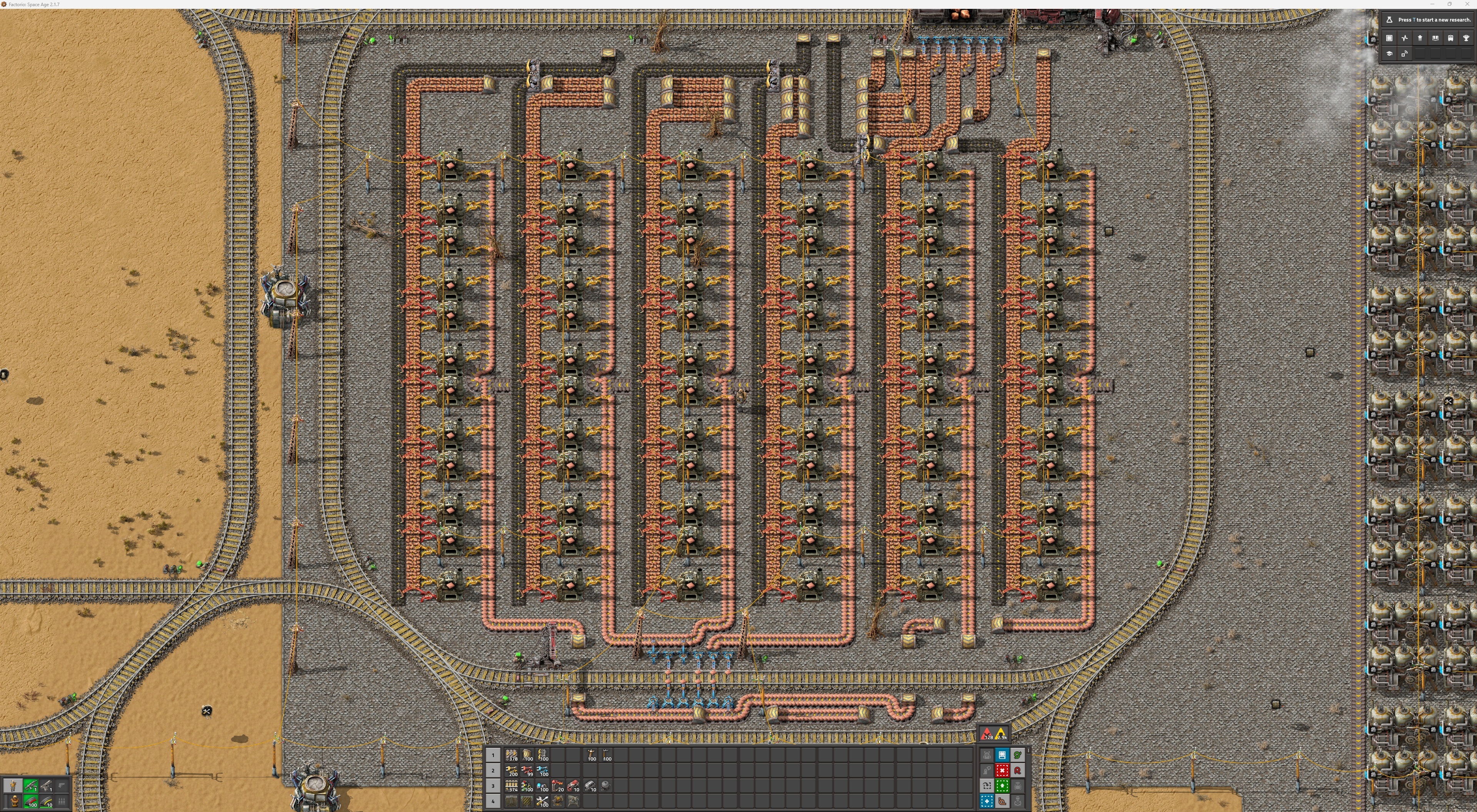
- Screenshot 2026-06-24 183119.jpg (5.05 MiB) Viewed 904 times
Thank you! This is
almost enough toolbar slots to satiate me at 4K resolution. A higher limit of 100 slots would be nice for those of us with truly insane monitor spreads - 7680x4320 is my working resolution.

Re: More toolbar slots visible on screen.
Posted: Tue Jun 30, 2026 3:45 pm
by eugenekay
THANK YOU!!!
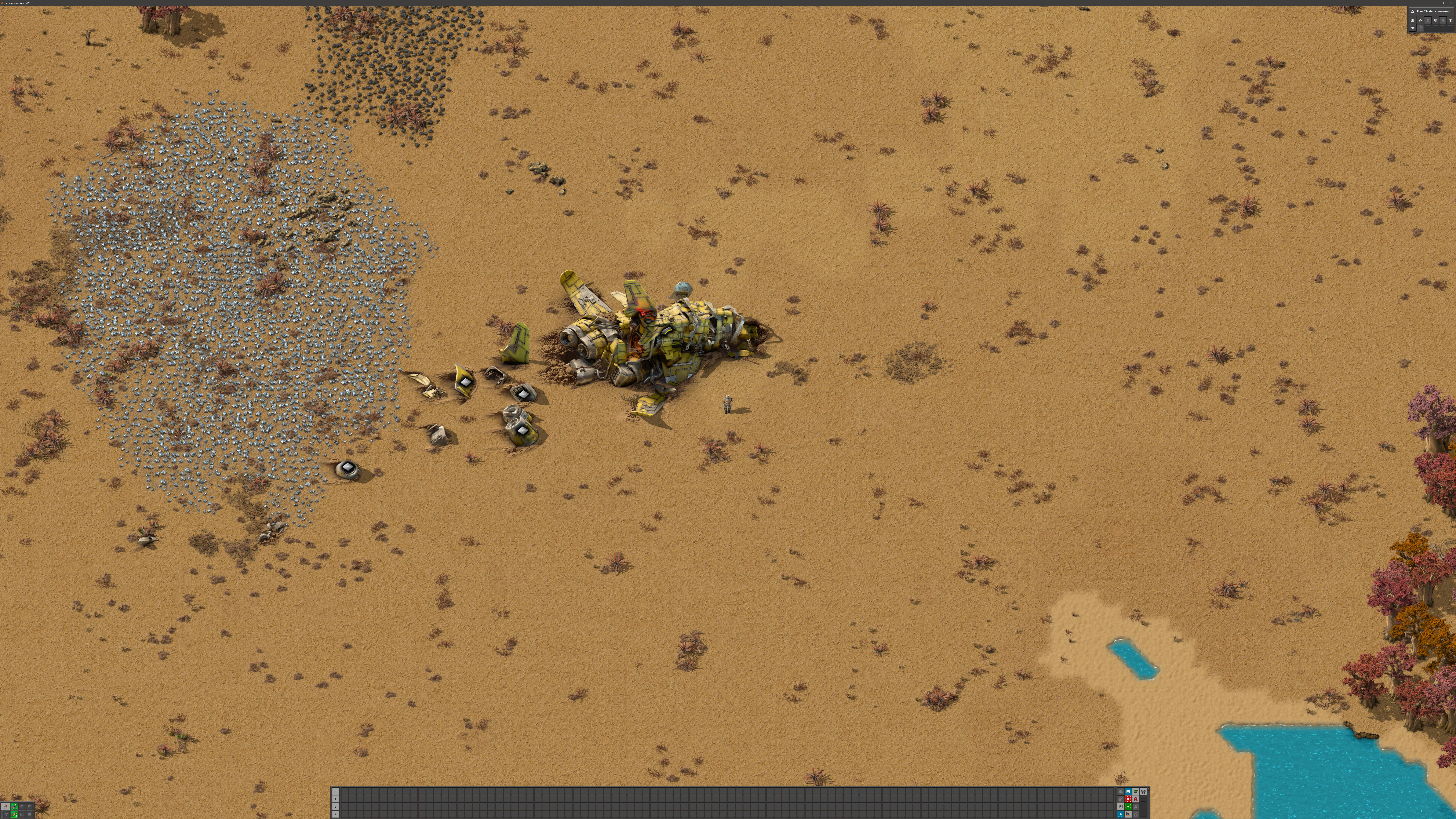
- Screenshot 2026-06-30 114208.jpeg (10.34 MiB) Viewed 821 times
2.1.9 increased the maximum to
100, and it looks amazing at full resolution. Now, how to fill all of these slots...
Re: More toolbar slots visible on screen.
Posted: Wed Jul 01, 2026 10:11 am
by Shadow_Man
boskid wrote: Wed Jun 24, 2026 10:09 pm
In 2.1 there is a hidden setting called `quick-bar-width` (accessible through hidden settings) that accepts values between 10 and 30, as long as we are talking about quick bar (one that is centered)
Make this setting not hidden but regular in the Interface settings.
Re: More toolbar slots visible on screen.
Posted: Wed Jul 01, 2026 10:18 am
by boskid
Shadow_Man wrote: Wed Jul 01, 2026 10:11 am
Make this setting not hidden but regular in the Interface settings.
If it would be approved then it will become interface setting, so far it was not approved and as such it is a hidden setting.